CarKeyboard1.2.6
Publisher Description
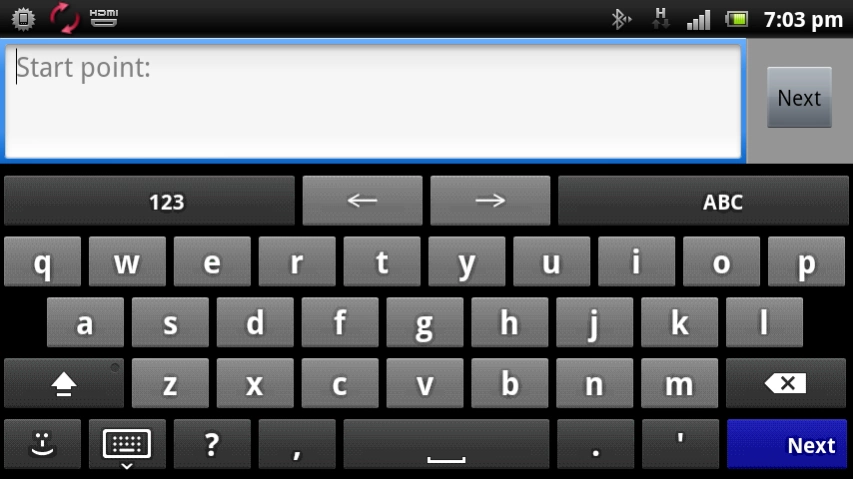
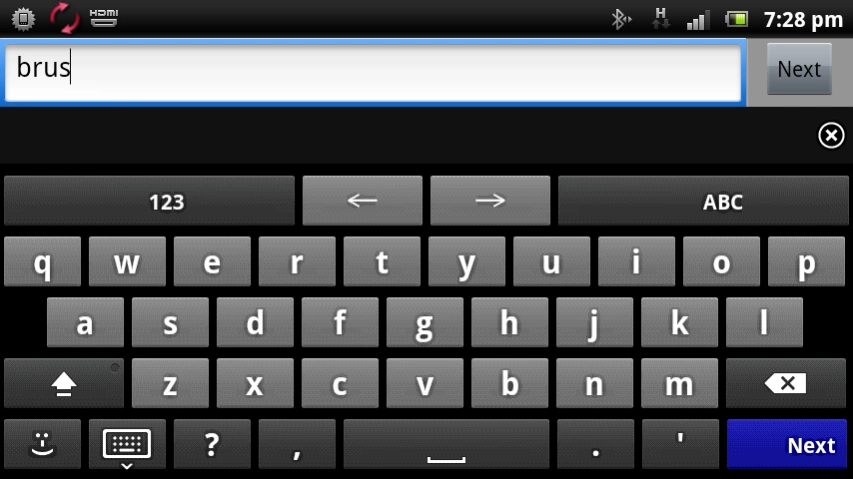
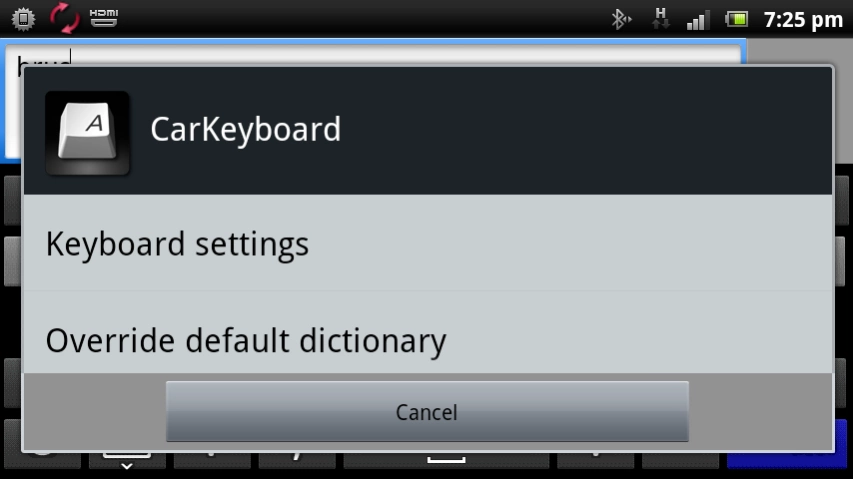
The keyboard App for AppRadio Mode+ and AppRadio One
Compatible with Pioneer's App Radio app, CarKeyboard allows you to input text directly from the larger touchscreen display of a compatible Pioneer in-dash multimedia receiver. CarKeyboard is a customizable multi-language keyboard that works in conjunction with the AppRadio app and can also be used as the default keyboard on your Android device.
To activate: In Settings->Languages->select CarKeyboard
To set as default: Long press in any text field, and select "Input method" or press the receiver's settings button when in the AppRadio app
Main features:
* Multi language keyboard support
* Auto-completion dictionaries for multiple languages
* Auto-completion of contact names as they're being typed
* Multi-touch support
* Keyboard extensions (swipe your finger all the way up out of the keyboard)
* Built-in dictionary editor
Software End User License Agreement
http://www.avicfeeds.com/avicfeeds/AppRadio2/license/EULA_US.html
About CarKeyboard
The company that develops CarKeyboard is PIONEER CORPORATION. The latest version released by its developer is 1.2.6. This app was rated by 1 users of our site and has an average rating of 5.0.
To install CarKeyboard on your Android device, just click the green Continue To App button above to start the installation process. The app is listed on our website since 2020-03-05 and was downloaded 157 times. We have already checked if the download link is safe, however for your own protection we recommend that you scan the downloaded app with your antivirus. Your antivirus may detect the CarKeyboard as malware as malware if the download link to jp.pioneer.mbg.appradio.carkeyboard is broken.
How to install CarKeyboard on your Android device:
- Click on the Continue To App button on our website. This will redirect you to Google Play.
- Once the CarKeyboard is shown in the Google Play listing of your Android device, you can start its download and installation. Tap on the Install button located below the search bar and to the right of the app icon.
- A pop-up window with the permissions required by CarKeyboard will be shown. Click on Accept to continue the process.
- CarKeyboard will be downloaded onto your device, displaying a progress. Once the download completes, the installation will start and you'll get a notification after the installation is finished.
Program Details
System requirements
Download information
Pricing
Version History
version 1.2.6
posted on 2020-03-06
Updated for Android 10
version 1.2.5
posted on 2017-07-18
Minimum required OS raised to 4.4 (KitKat)
version 1.2.4
posted on 2016-11-28
small bugfix
version 1.1.1
posted on 2013-03-13
Several fixes and updates
